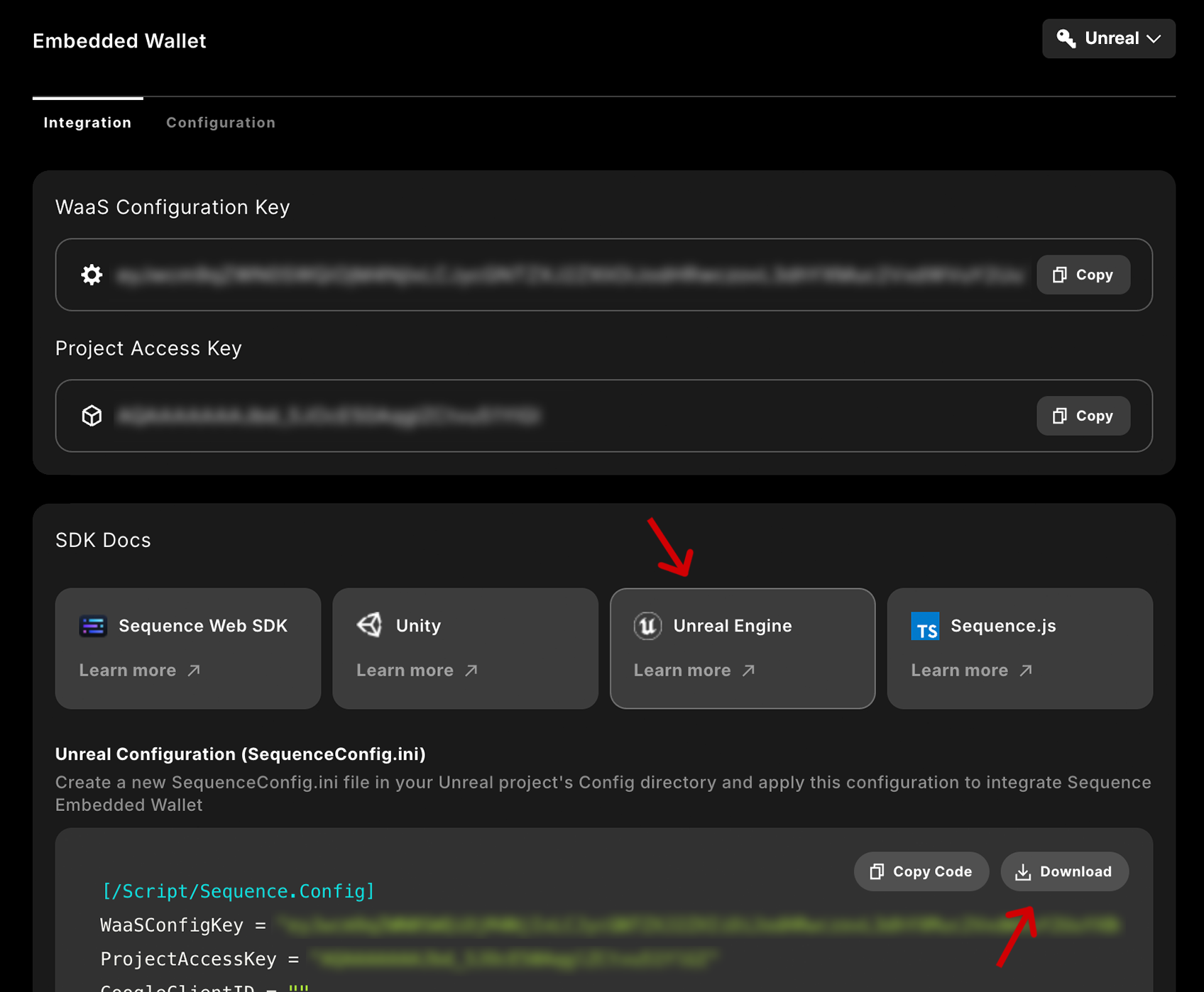
Sign in and create a project on Sequence Builder.Download your config file from Builder as shown below.Alternatively, get your Project Access Key and WaaS Configuration Key from Onboard > Embedded Wallet,
and add them to your Project’s Sequence Config File.
3
Integrate E-Mail Login
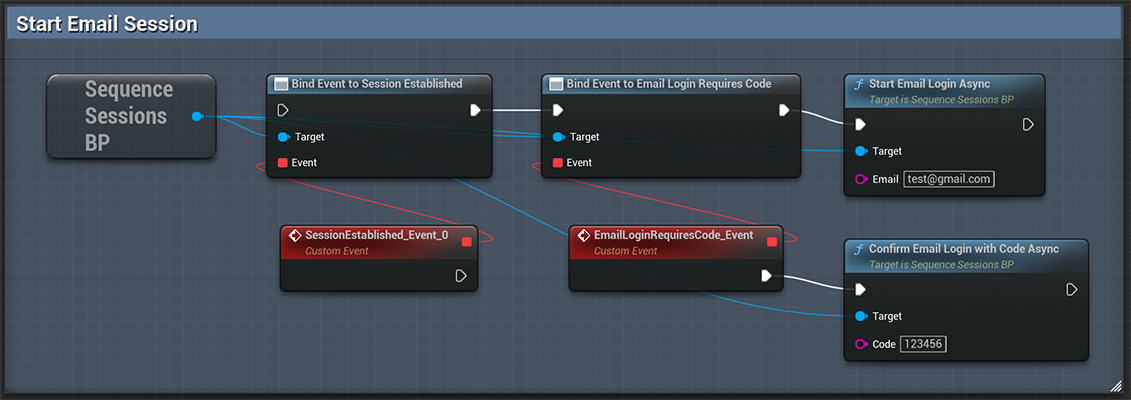
Start by establishing a wallet session using an email OTP. Execute the Start Email Login Async node to send a
one-time password to the specified email address. Then, use the Confirm Email Login with Code Async node with the
received password to complete the login.Once you’ve your first features integrated, you can continue with additional login providers
such as Google, Apple, or PlayFab.
Email Otp
4
Test Sequence's Features
Sequence’s Unreal SDK includes a variety of Boilerplates to help you quickly start your game.
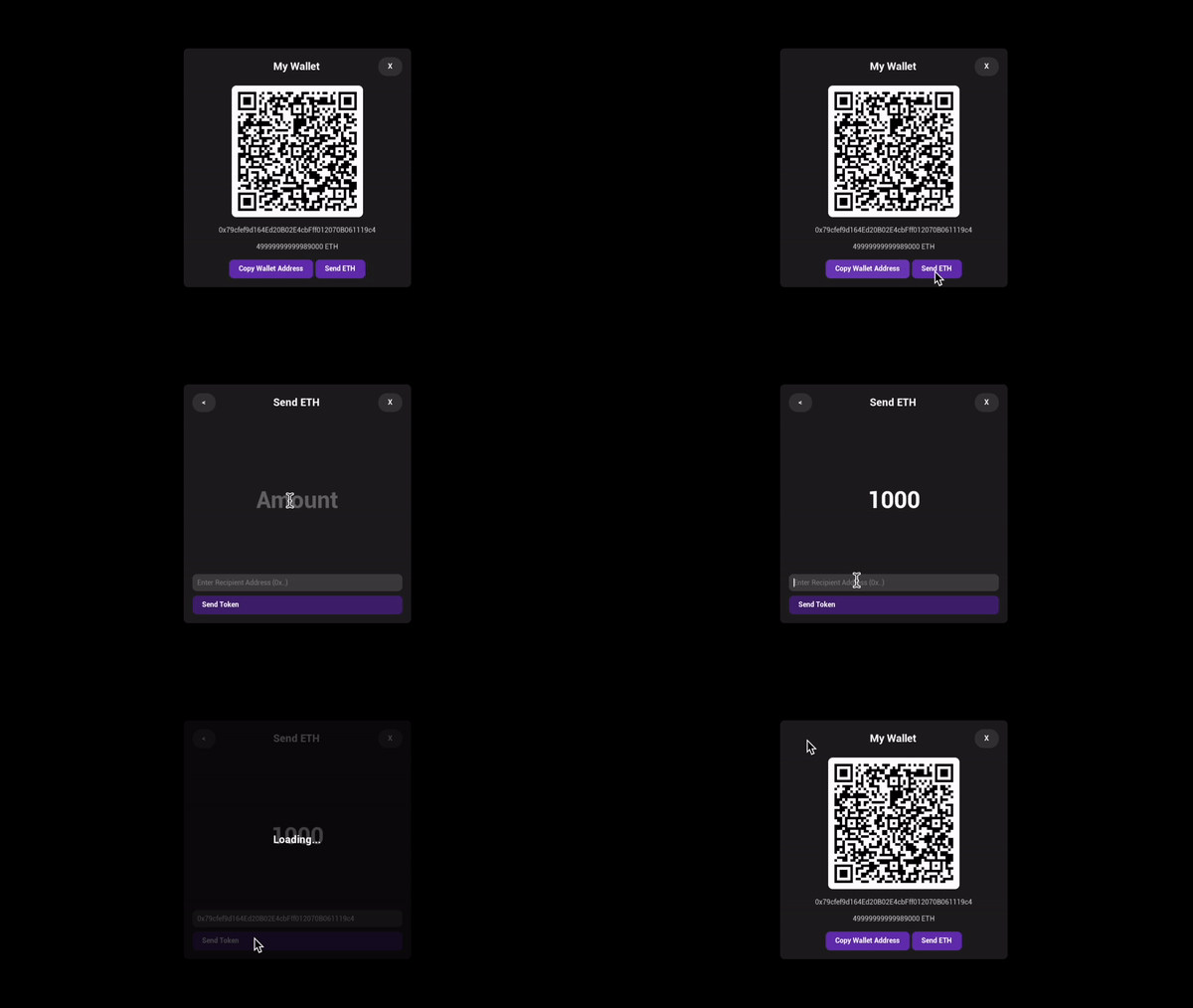
Once everything is configured, you can create widgets to display an Inventory, Wallet View, or In-Game Store.
Checkout how to integrate a Wallet View using just three Blueprint nodes to view and send funds.